💽
DiskHub
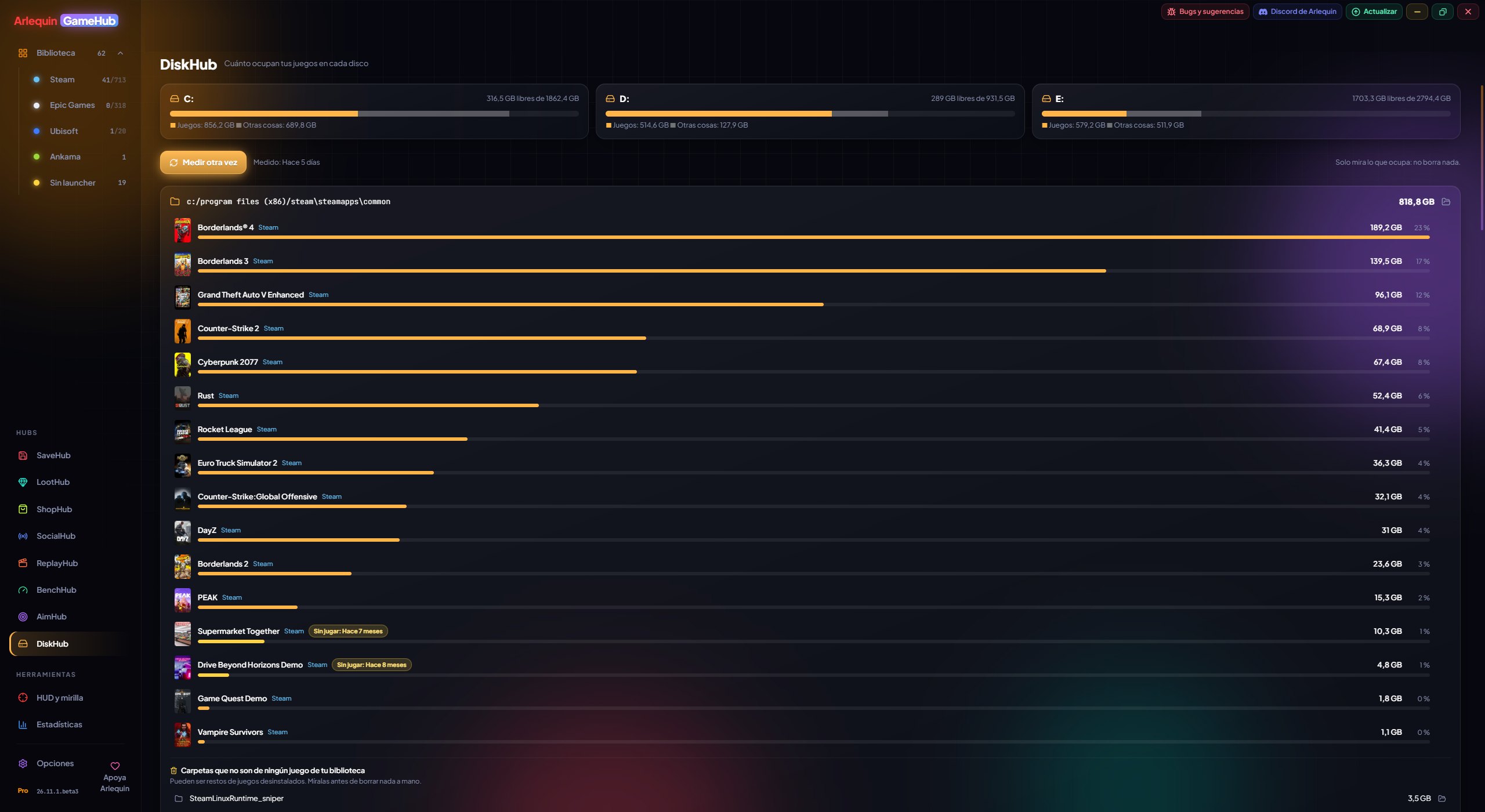
How much each game takes up on your drives, and what’s left over.
DiskHub shows each drive with how much your games take up, everything else and the free space. Below, each library (the folder where a store keeps its games) with its games from largest to smallest and, in yellow, the ones you haven’t played for more than 6 months.
It also finds leftovers: folders inside your libraries that no longer belong to any game, usually from uninstalled games. And you can open any game or folder to see what takes up space, like TreeSize. DiskHub only looks: it never deletes anything.
How to use it
- DiskHub is in the sidebar, under Hubs.
- The first time it measures by itself; «Measure» adds up the files again, and next time you see it instantly.
- Click a game or a leftover to go down through its folders, or open it in File Explorer.
- Xbox games appear together and are measured fully, Microsoft Store programs no longer show as leftovers, files compressed by Windows show their size on disk, and there is a “Stop” button.
✦ Other features
Give it a try?
⬇ Direct download 🛍️ Download from Microsoft StoreWindows 10 and 11 (64-bit) · Free · Updates itself