Your way
Themes, language and how GameHub behaves.
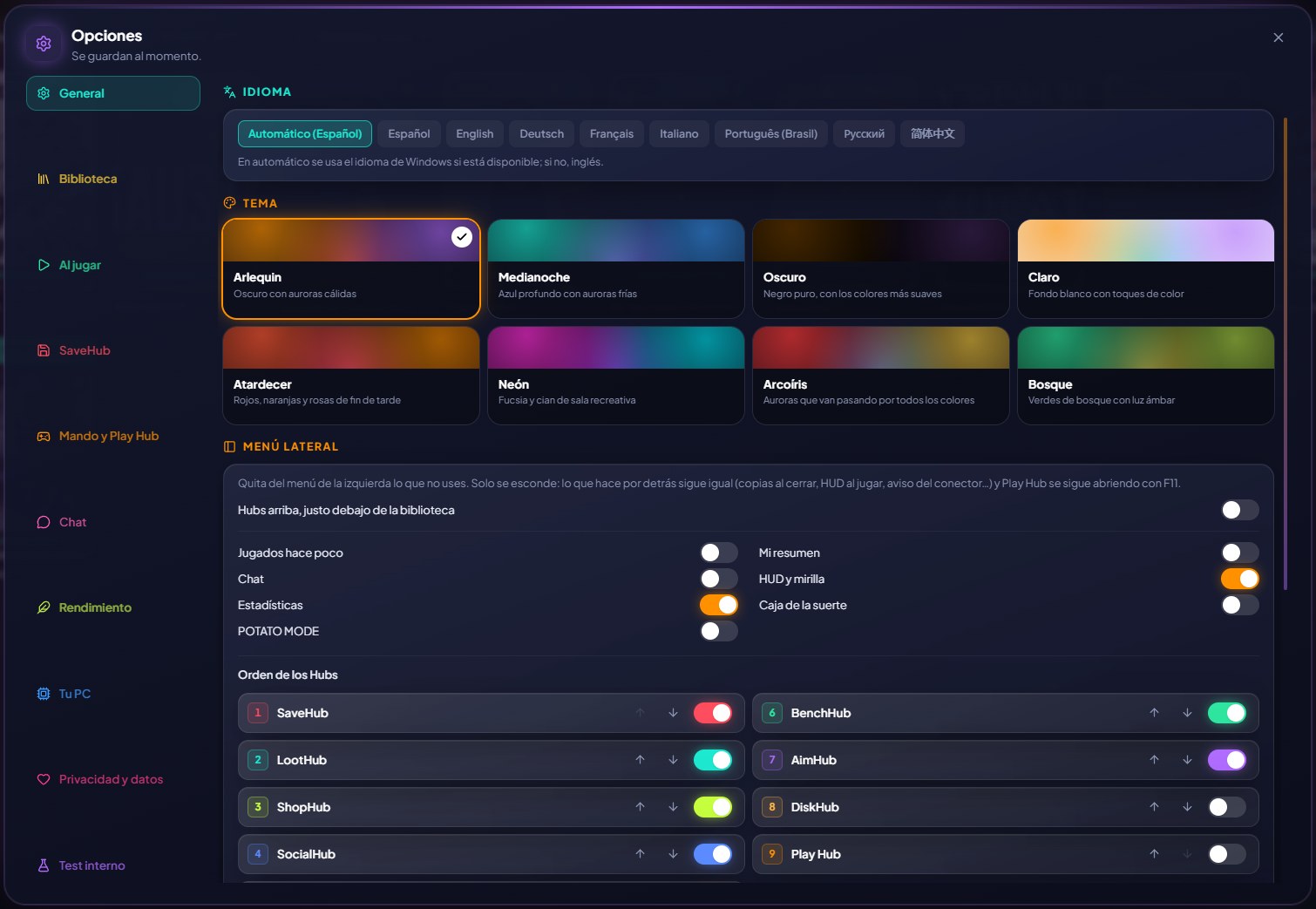
Pick a theme (Arlequin, Midnight, pitch-black Dark or white-background Light; with ArlequinPro, also Sunset, Neon, Rainbow and Forest), in English, Spanish, Simplified Chinese, Russian, Portuguese (Brazil), German, French, Italian, Japanese or Polish (these two in the beta). For PCs with few resources there's light mode, which removes animations, transparency and glow (you can already turn it on in the welcome screen).
GameHub can start with Windows hidden in the system tray (to count your hours and back up your saves even if you play from another launcher). It updates itself (if you skip versions, it shows you all the news together) and the first time it shows you your games by store so you can remove anything that isn't a game.
In Options → General → Updates you can choose “Stable versions only”.
In Options → Privacy and data you can send the creator of Arlequin an idea or something that's wrong (with your email or Discord if you want a reply), and Arlequin notices appear at the top of the window when there's something important.
How to use it
- Options: each page explains at the top what you set up in it.
Give it a try?
⬇ Direct download 🛍️ Download from Microsoft StoreWindows 10 and 11 (64-bit) · Free · Updates itself